
Where and How to Use Video on Amazon
April 8, 2026
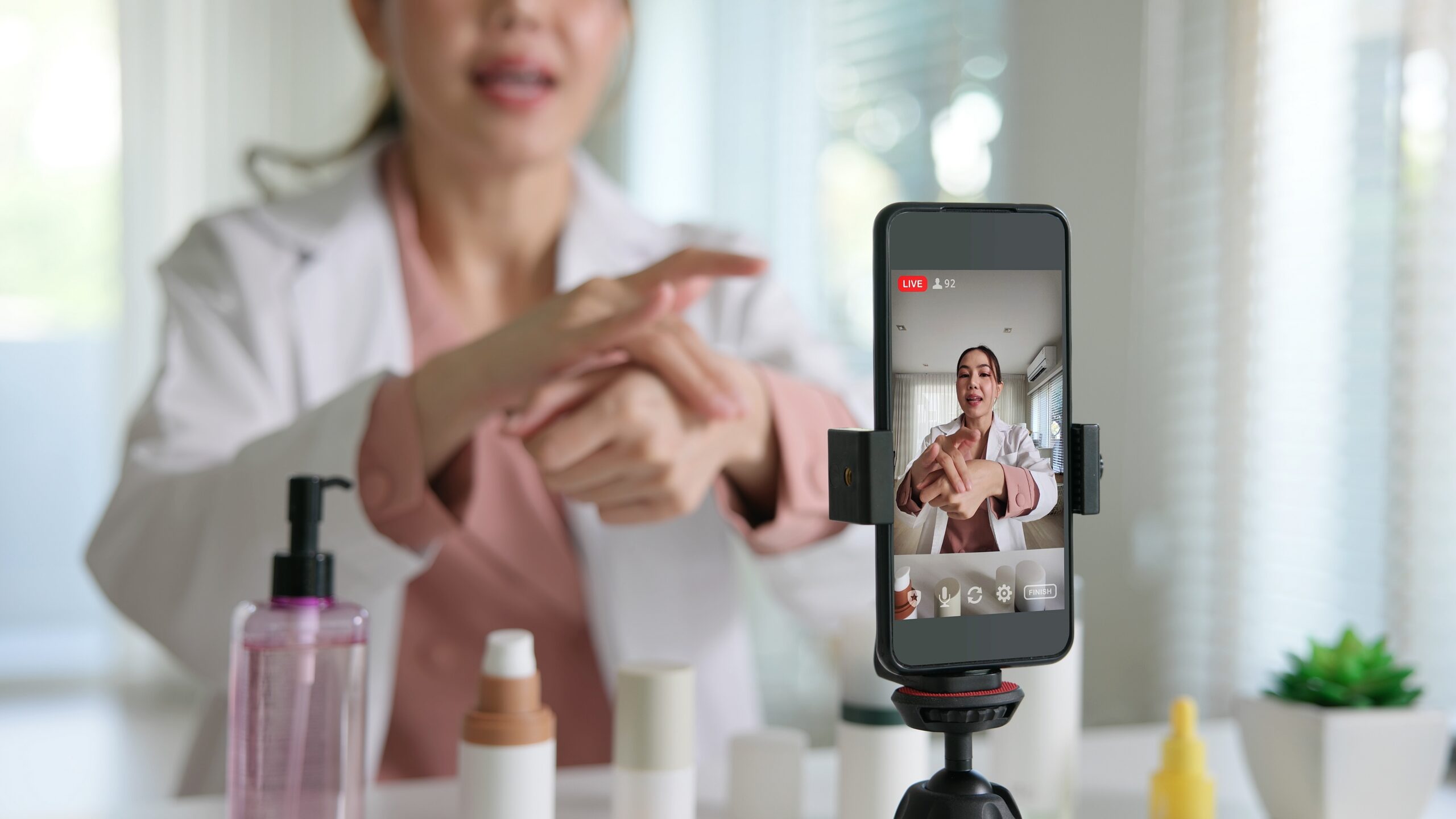
Most brands treat Amazon video like a single tool. Post it on the listing, maybe run a video ad, call it done. That approach leaves a lot of potential upside on the table. Amazon now supports video across four distinct placements – product detail pages, Sponsored Brands ads, your Brand Store, and Amazon Live – and each one serves a different job. The brands getting the most out of video are the ones matching the right format to the right moment in the buying journey.
The Four Placements (and What Each One Does)
Product Detail Page Video
This is the closest-to-purchase placement you have. A shopper is already on your listing. They’re considering buying. Video here should do one thing: remove doubt.
Good uses:
- Show the product in use
- Demonstrate scale, texture, or fit
- Walk through setup or assembly
- Handle the most common objection before they bounce
Don’t repeat what’s already in the title or bullets. Answer the question a photo can’t.
Sponsored Brands Video
This format runs in search results like top of page, within the feed, and on competitor detail pages. The shopper is actively searching, so your video here is competing for attention in the scroll.
Sponsored Brands video campaigns let you choose where the ad sends traffic. Send shoppers to a product detail page when you’re targeting high-intent searches for a specific item. Send them to your Brand Store when the goal is broader. That might mean introducing the brand, showcasing multiple products, or giving shoppers more context than a single listing can provide.
These ads autoplay without sound to a high-intent audience actively searching your category. It’s important to show the product in the first two seconds. If the hook doesn’t land immediately, the shopper is already gone.
Amazon Store Video
Your Store gives shoppers more room to explore than a single listing can. Video here supports context, not conversion. Use it to tell the brand story, introduce a product line, or educate on a category.
Amazon Stores support standard video tiles and background video tiles across different size formats. Background video autoplays silently while the shopper is on the page.
Good uses:
- Launch a new collection
- Educate on a product category
- Connect brand narrative to a product grid
- Cross-sell between product lines
Amazon Live
Live is shoppable livestreaming. It works differently from every other placement since it’s discovery and engagement-first, not conversion-first.
Best fit categories: beauty, kitchen, fitness, electronics accessories, and anything where seeing it in action shortens the decision.
Content that works:
- Host-led product demos
- Creator segments
- Launch events
- FAQ walkthroughs
- Side-by-side comparisons
If your product benefits from someone showing what it does in real time, Live is worth testing.
Match the Format to the Funnel Stage
| Stage | Best Video Placement |
| Awareness | Store video, Amazon Live, Sponsored Brands to Store |
| Consideration | Sponsored Brands to PDP or Store, Store category pages |
| Conversion | Detail page video focused on proof and objection handling |
Where to Start
If you’re building a video strategy from scratch, don’t try to cover everything at once.
- Start with your top ASINs that have traffic but weak conversion. PDP video is the highest-leverage first move.
- Add Sponsored Brands video where you’re competing on branded or high-intent generic terms.
- Build Store video once your assortment or brand story needs more room than a listing can hold.
- Test Amazon Live when demonstration or creator credibility could move consideration in your category.
One focused video that answers the biggest buying question will outperform five generic ones every time.
Common Mistakes
- Using the same video across PDP, ads, Store, and Live. The shopper intent is different at each placement. The video should be too.
- Leading with brand identity instead of product value in autoplay formats. Nobody watches a logo animation in a search feed.
- Building Store video with no path to product pages. Every video in your Store should connect somewhere.
- Treating video as a one-time project. The brands winning on Amazon treat it as an optimization asset by testing, iterating, and tying performance back to conversion and search data.
Video on Amazon works best when you stop asking “where should we put this?” and start asking “what does a shopper need to see right here?” PDP video converts. Sponsored Brands video captures intent. Store video expands context. Amazon Live builds engagement. Build each one with a specific job in mind, and you’ll get more out of every dollar you spend on production.


Ready to scale your business?
Talk with one of our ecommerce experts.