
How to Set Up an Amazon Seller Account
February 23, 2026
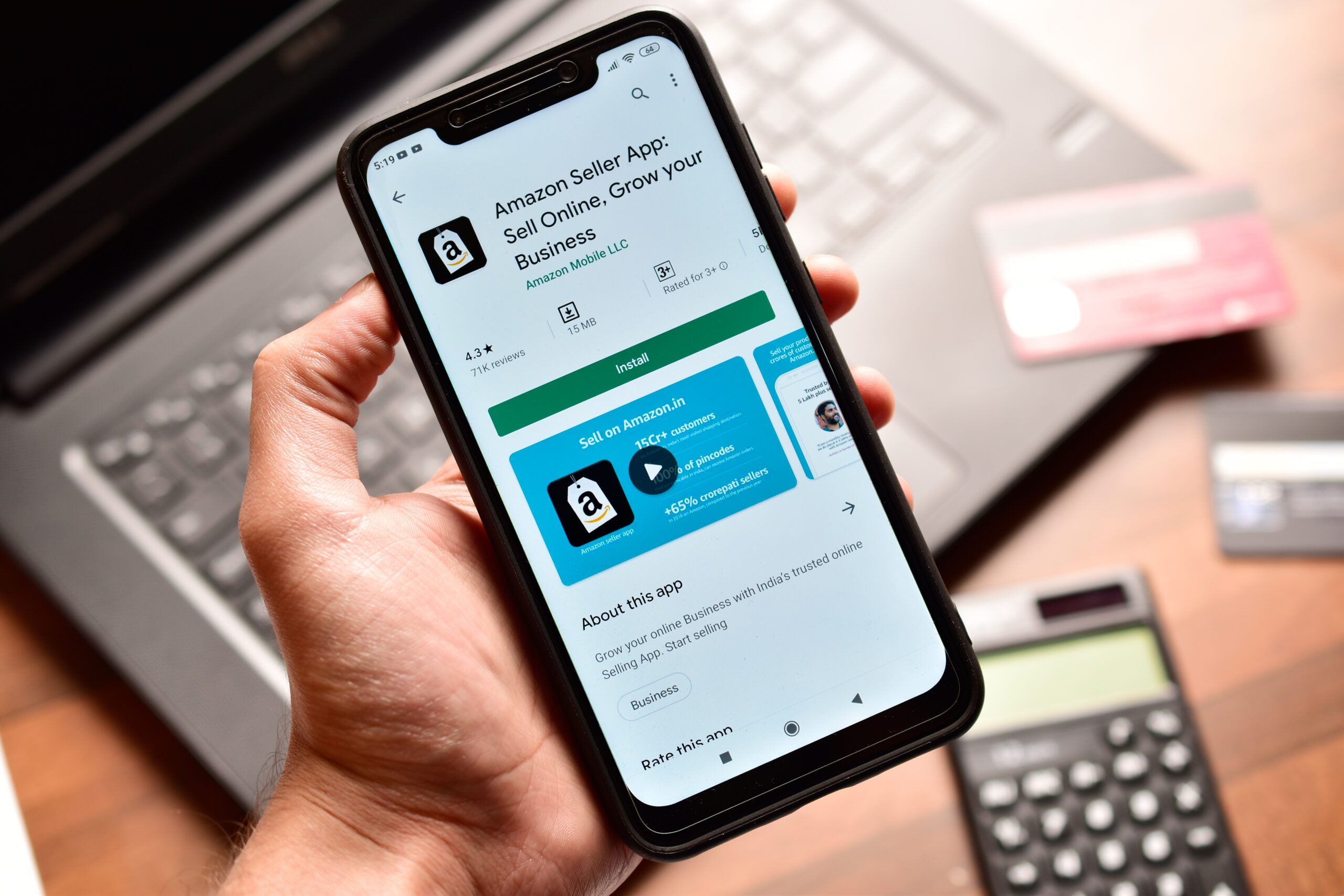
Opening an Amazon seller account looks simple. In practice, it is one of the most important setup decisions you will make. Many long term issues sellers face do not start with ads or listings. They start with small errors during account creation that limit access, delay payouts, or complicate scaling later.
Amazon treats the seller account as a legal and operational identity. If names, documents, tax information, or payment details do not align perfectly, friction appears later when you try to advertise, enroll in brand programs, or expand marketplaces. This guide explains how seller accounts work, what Amazon requires, and how to set up your account cleanly the first time.
Seller Account Types Explained
Amazon offers two seller account types. The distinction goes beyond pricing and directly affects what you can do on the platform.
Individual seller accounts do not carry a monthly subscription fee, but they charge a per item selling fee on every order. They also restrict access to advertising, advanced reporting, bulk listing tools, and most brand level features. This option is intended for casual sellers or very low volume use cases.
Professional seller accounts charge a fixed monthly subscription fee and remove the per item selling fee. In return, they unlock full Seller Central functionality, including advertising, reporting, promotions, APIs, and eligibility for Brand Registry. For any business selling consistently or building a brand, Professional is effectively required.
In practical terms, upgrading to Professional becomes necessary when:
- You plan to run ads
- You expect consistent monthly sales
- You want access to brand or reporting tools
Most serious sellers are better off starting on Professional rather than switching later.
Official pricing reference:
https://sell.amazon.com/pricing
Information and Documents Required to Sign Up
Amazon’s verification process exists to prevent fraud and ensure tax compliance. That means accuracy matters more than speed.
You will be asked for:
- Legal business name and physical address
- Business entity type
- Government issued photo ID for the account holder
- Valid bank account for disbursements
- Chargeable credit card for fees
- Tax information (W 9 for US sellers, W 8BEN for non US sellers)
- Phone number and email address for verification
Each item must match across documents. Even small discrepancies between an ID, bank statement, or tax form can trigger manual review.
Official requirements overview:
https://sell.amazon.com/sell/registration-guide
Step by Step Amazon Seller Account Setup Process
Account creation happens inside Amazon Seller Central.
- Create an account using an email address that will remain permanently tied to the seller account. You then choose your primary marketplace and selling plan.
- Amazon prompts you to enter business details, tax information, and banking information. This step causes the most delays when sellers rush or guess.
- Amazon initiates identity verification. Depending on risk signals, this may involve uploading documents or completing a live video verification.
- Once verification is complete, Amazon grants access to Seller Central. Some accounts enter a review phase before selling privileges are fully enabled. This is common and not automatically negative.
Common Setup Issues and Delays
Most setup delays fall into a few predictable categories.
Identity verification issues usually stem from blurry uploads, expired documents, or name mismatches.
Address inconsistencies between IDs, bank records, and tax forms frequently trigger review, even when they seem minor.
Payment method rejections occur when cards are prepaid, virtual, or issued by unsupported banks.
Tax interview errors can delay disbursements long after approval if entity type or residency is entered incorrectly.
In some cases, Amazon places accounts under additional review before approval. This reflects risk screening, not punishment, and timelines vary.
What Comes After Account Setup
Approval is not the finish line.
Before listing products, sellers should review account level settings such as return policies, fulfillment defaults, and notification preferences. Defaults are rarely optimal.
If you own a trademark, Brand Registry should be planned early. It is not automatic and determines access to critical brand tools.
Fulfillment decisions matter immediately. Choosing between Fulfillment by Amazon and Fulfillment by Merchant affects fees, operations, and customer experience. Many sellers eventually use both.
Finally, product readiness and compliance must be confirmed. Category restrictions, listing requirements, and performance metrics all affect long term account health.
Closing Thoughts
An Amazon seller account is infrastructure. Errors made during setup rarely cause immediate problems. They surface later when you try to advertise, enroll in Brand Registry, expand internationally, or scale inventory.
A clean, accurate setup preserves flexibility and reduces friction. Treat account creation as foundation work, not paperwork, and everything downstream becomes easier to manage.



Ready to scale your business?
Talk with one of our ecommerce experts.