
Your Main Image Is Your Most Important Ad
October 21, 2026
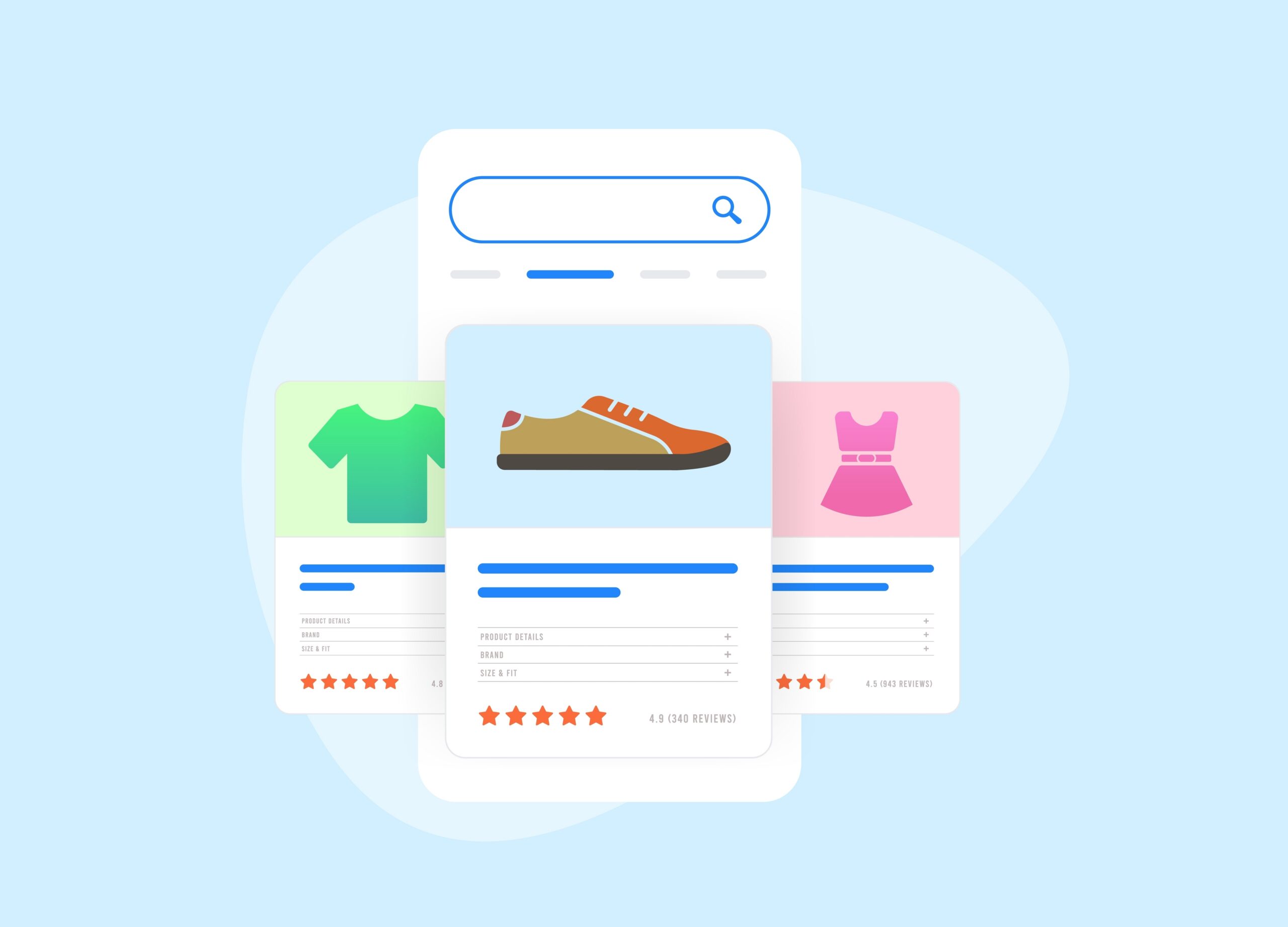
Most brands spend substantial time refining their listing bullets, keywords, and A+ Content. However, before anyone reads a word of your listing, they scroll past dozens of thumbnails and choose the few worth opening. The main image does much of the work in that moment, often before shoppers give the price or reviews a second look. If your image does not tell shoppers they have found the right product, the rest of your listing may never get a chance. The question worth asking is simple: what should a shopper understand from your image before they open the listing?
Find the Buying Signal Your Image Is Hiding
Start with the physical feature that helps a shopper recognize the right product. That might be its shape, how it is built, how many units come in the pack, or a component similar products lack. A shopper scanning results is trying to answer one question: is this the product I need? Your main image should make that answer easier.
Customer questions and reviews show you where shoppers get stuck. Look for repeated questions about size, fit, quantity, or what is included. Look for reviews that say a product was bigger, smaller, or different than expected. Each pattern points to a detail buyers could not see before they purchased. For each detail, ask whether the main image could make it clearer.
Photography choices can often indirectly hide selling points. A straight-on photo of a deep drawer organizer can make it look shallow. A slightly elevated angle reveals the depth, so the image communicates capacity without adding a single claim. What you leave out of the frame can hide value too. A tool sold with a carrying case, extra batteries, and attachments may be undervalued in the shopper’s mind when the image shows the tool alone. Arranging the included pieces around it shows shoppers what they get for the price and gives it a fairer comparison next to competitors.
Some benefits cannot be shown honestly in a main image. Durability, ease of use, and performance over time are real reasons to buy, but a single product photo cannot prove them. Those points belong in secondary images, A+ Content, and bullets, where you have room to support them.
Compare What Shoppers Can Understand, Not Just How Images Look
Review your main image beside competing search results at the size shoppers actually see it. Search your top keywords on desktop and mobile, then look at your thumbnail in context. Details that look obvious in a full-size file often disappear at thumbnail size.
Visual difference is not the goal on its own. An unusual angle or arrangement can stand out and still confuse shoppers about what they are buying. A change is only useful if it makes the offer easier to understand.
Most clarity improvements happen within Amazon’s main image requirements. Framing, lighting, and product arrangement can all change what a shopper understands while the image stays on a pure white background with no added text or graphics. Rules for showing packaging, included accessories, or multiple units vary by category, so check your category’s style guide before adding any element to the frame.
Test a Buying Hypothesis, Then Look Beyond Clicks
“Which image looks better?” is the wrong question to test. A stronger starting point is a specific hypothesis about what shoppers need to understand. For example, showing the organizer’s depth will help shoppers recognize whether it fits their space.
Build one alternative image around that hypothesis and make the difference meaningful. A slightly brighter version of the same photo will not teach you much. If you change the title, price, and image at the same time, you will not know which change made the difference.
For brand-registered sellers, Manage Your Experiments in Seller Central runs split tests on eligible ASINs with enough traffic. Shoppers see one image or the other, and the results compare outcomes such as units sold, sales, and conversion between the two versions. Click behavior is a separate signal. Search performance reports and advertising data show how often shoppers click your listing from search results.
The difference between those signals matters because an image can win clicks by creating the wrong expectation. A photo that makes a product look larger or more complete than it is may pull in curious shoppers who leave once they read the details. A clearer image might attract fewer casual clicks while helping the right buyers purchase with confidence.
Judge success by conversion and sales alongside click behavior. Account for anything else that moved during the test, including price changes, promotions, and shifts in ad spend or traffic.
Review Your Main Image Like the Rest of Your Listing
Oftentimes, the main image in your product listings goes untouched for years, even though shoppers see it in nearly every search where the product appears. Your main image deserves the same regular review as your titles, bullets, and A+ Content. It is often the first part of your listing a shopper sees, and it influences whether they read the rest.



Ready to scale your business?
Talk with one of our ecommerce experts.