
Building Amazon Variation Families for Maximum Conversion
November 24, 2025
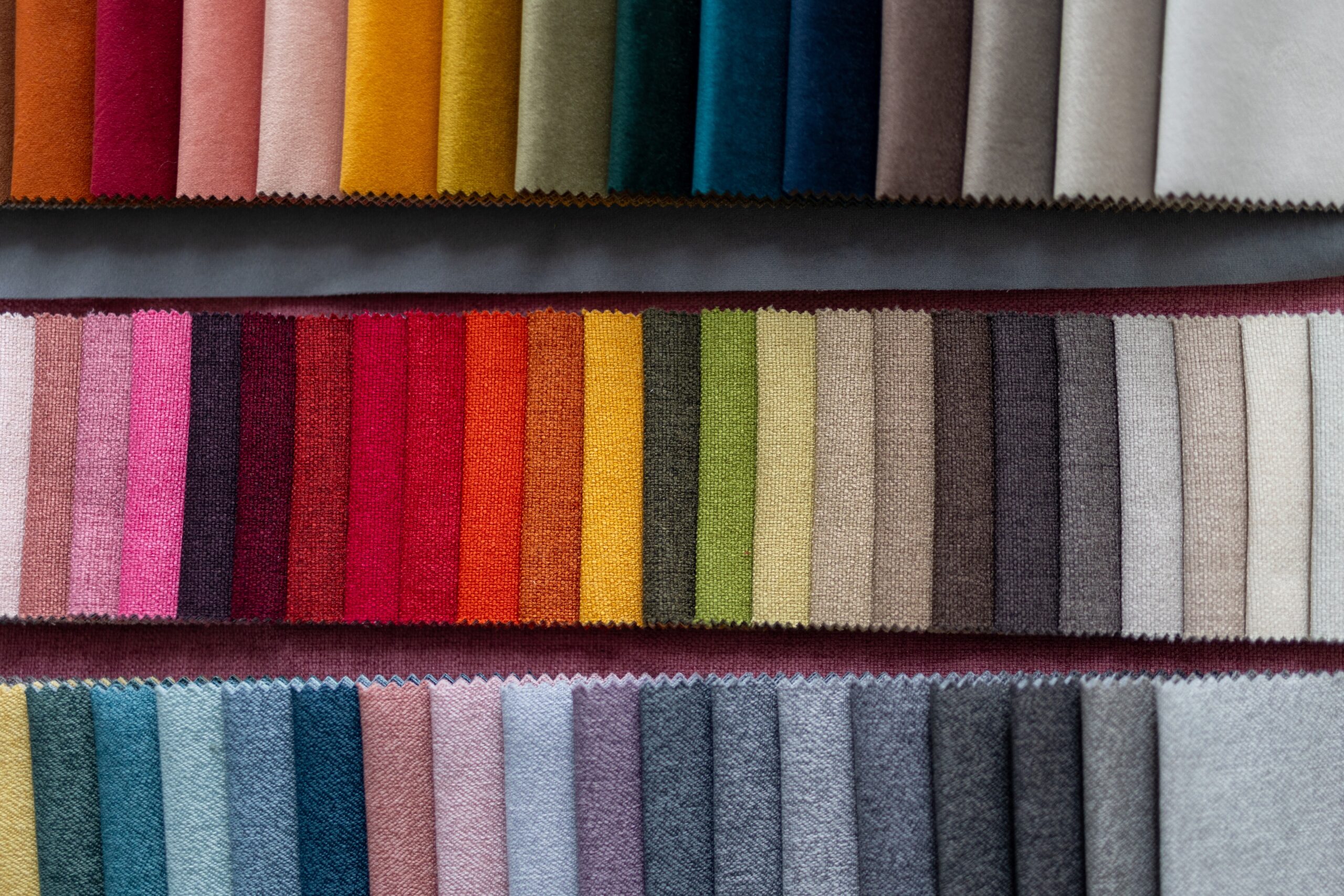
Variations exist for one reason: to help shoppers pick the right option without bouncing around the catalog. When they work, customers compare choices quickly, select confidently, and buy the correct item on the first attempt. That means higher conversion, fewer returns, and cleaner navigation for every product family you sell.
This post walks through the core rules every seller should follow: how to choose the correct variation theme, how to build clean families using Amazon’s tools, how to structure images and titles that guide the shopper, and how to run quick tests that steadily improve performance.
Know the Rules Before You Build
Variation families only work when the products are truly the same item with a real attribute difference such as size, color, or pattern. The parent listing is not a buyable item; it only holds the structure. The child listings are what customers actually purchase.
Use only the variation themes that your category explicitly allows. Mixing unrelated products just to share reviews is a fast way to get the family broken apart or suppressed. If you’re unsure whether items belong together, use the simplest test:
Would a shopper reasonably expect to choose between these options on the same page?
If the answer is no, they should not be linked.
Choose the Right Variation Theme
Every category supports specific themes. Apparel may allow Size, Color, or Size + Color. Home categories might support Pattern or Fill Material. Always check your category template or Help documentation before building.
Pick the theme that matches how real shoppers decide. If most buyers start with color, lead with a color-based structure. If they start with size, lead with size. Themes that don’t match buyer behavior create confusion and lower conversion.
Use Variation Wizard for Clean, Consistent Families
Amazon’s Variation Wizard remains the simplest, safest way to create or repair variation families. It automatically pulls the correct attributes for your category so you don’t accidentally use the wrong theme.
Give each child a unique SKU and keep brand name, core title structure, and bullets consistent across all children. Every child should sit in the same browse node, which keeps the family unified and ensures customers see all options together. If you’re merging old stand-alone listings, the Wizard can link them under a new, clean parent.
Set Images and Titles That Help Shoppers Choose
Shoppers scan fast. Your job is to make the right choice obvious at a glance.
Use the same clean main image style for every child.
• For color families, use accurate color swatches and photos that reflect what actually ships.
• For size families, include a clear size chart in your A+ or image stack.
• For titles, keep the structure identical and add the specific attribute at the end: “Blue,” “Queen,” “12-Pack,” etc.
This clarity helps search relevance and makes the variation (“twister”) easy to navigate.
Keep Variation Families Simple
Too many choices can overwhelm customers. Large families with dozens of colors or size combinations often hurt conversion instead of helping it. Start with your strongest sellers and add slower variants later only if they earn their spot.
If a product attribute changes the item in a meaningful way, it likely doesn’t belong in the same family. For example, short-sleeve vs. long-sleeve versions of a shirt often function as completely different products in the shopper’s mind.
Quick Checklist
- Confirm the products are truly the same item with a real attribute difference.
- Check your category’s allowed themes and choose the one shoppers expect.
- Build or repair the family using Variation Wizard with unique SKUs.
- Standardize images and titles so the differences are clear at a glance.
Bottom Line
Strong variation families make shopping easier, raise conversion, and cut down on returns. When customers can quickly identify the right option, they buy confidently and stay satisfied. Follow the rules, pick the right theme, build cleanly, keep attributes clear, and test small improvements regularly. These fundamentals are enough to create variation families that perform and stay stable long-term.



Ready to scale your business?
Talk with one of our ecommerce experts.